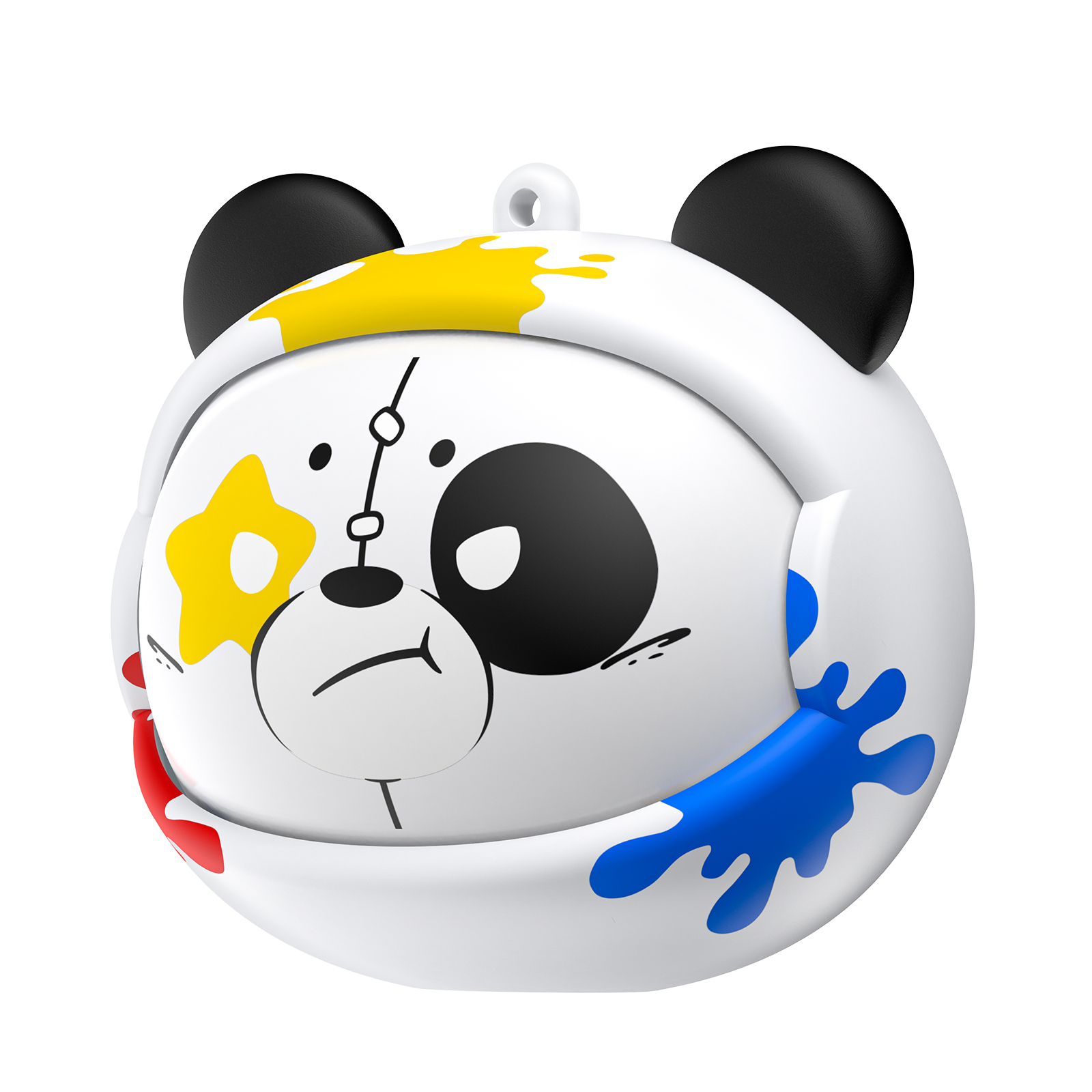
ONIKUMA T20 TWS Gaming Wireless Bluetooth Earbuds | White
$53.26
$71.37
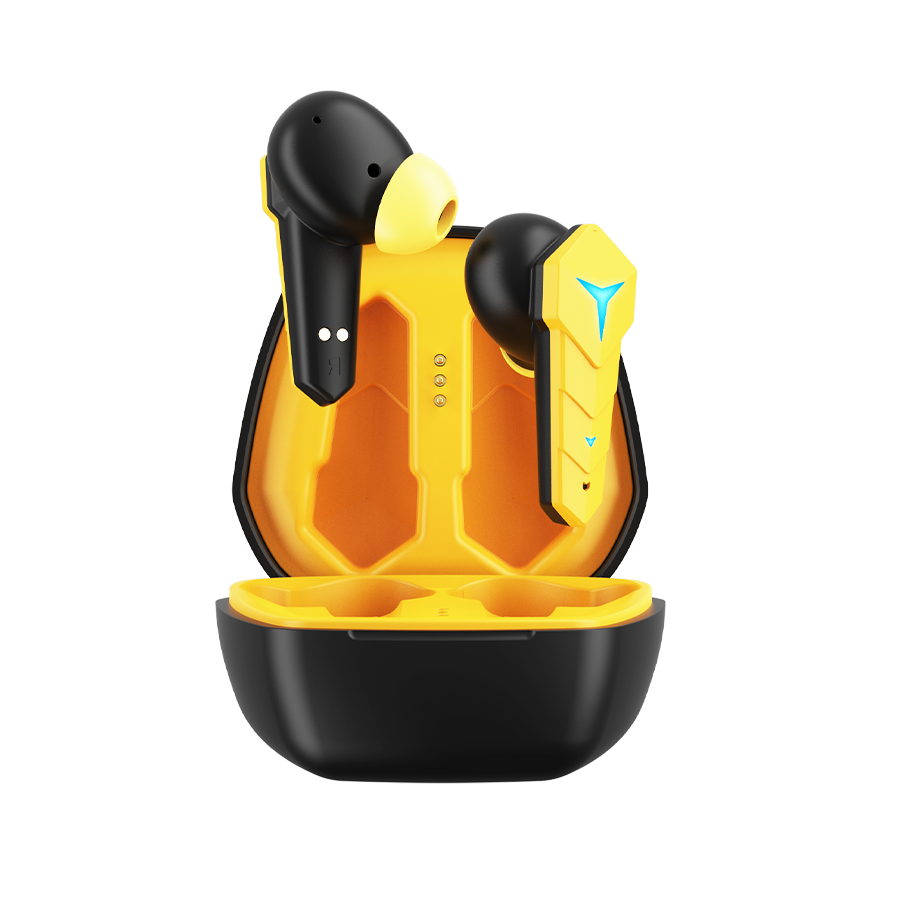
Description Seamless Connectivity and Performance The T20 wireless earbuds are powered by the JL6973 chipset and feature Bluetooth 5.3 for reliable, low-latency connections with minimal power consumption. These earbuds support multiple Bluetooth protocols, including A2DP, AVCTP, AVDTP, AVRCP, HFP, and SPP, ensuring compatibility with a wide range of devices. Superior Audio Quality Equipped with an 8mm driver unit and 32Ω impedance, the T20 delivers crisp, balanced sound with a frequency response range of 20Hz to 20kHz. The earbuds support AAC and SBC decoding formats for high-fidelity audio, making them ideal for music lovers and gamers alike. Long-Lasting Battery Life Enjoy 25 hours of total battery life with the 300mAh charging case, which provides up to 3 full charges. Each earbud, with its 30mAh battery, delivers up to 6 hours of continuous playback and 85 hours of standby time. The Type-C charging port ensures that both the earbuds and case can be fully charged in just 1 hour. Low-Latency Game Mode For an optimized gaming experience, the T20 earbuds feature a low-latency mode with a delay of just 45ms. You can easily switch between Music and Game modes with a simple long press of the MFB button, ensuring smooth transitions for different uses. User-Friendly Controls The T20 earbuds offer intuitive controls for easy operation. Power on or off, answer or reject calls, and control music playback with the MFB button. Additionally, triple-tapping the left earbud activates Game Mode, while long-pressing the left or right earbud lets you switch tracks. Controls and Functions Power On: Press and hold the MFB button for 3 seconds. Power Off: Press and hold the MFB button for 5 seconds. Reject Incoming Call: Press and hold the MFB button for 2 seconds. Switch to Voice/Game Mode: Triple-tap the MFB button on the left earbud. Play/Pause Music or Answer/End Call: Double-tap the MFB button. Skip Tracks: Previous Track: Long-press the MFB button on the left earbud for 2 seconds. Next Track: Long-press the MFB button on the right earbud for 2 seconds. Comfortable and Lightweight Design Designed with comfort in mind, the T20 earbuds are lightweight and ergonomic, allowing for a senseless wear experience during extended use. Whether you’re listening to music, gaming, or taking calls, these earbuds deliver an immersive experience without discomfort. WARRANTY: 1 YEAR.